- 34-38 Guildhall Rd, Northampton NN1 1EW
- info@mavistech.uk
- 01604 312731

Itero Study Edition
Base Price:
£1,230.00
Add Features:
Security updates: Mavis Technologies Ltd provides security updates for this product for a minimum of 5 years from the date of purchase. See our Security Update Support Period.
Mavis Itero Study Edition with Connectivity Case (DSA Bundle)
A wearable reading system for blind and partially sighted students in higher education, designed to give direct, independent access to printed and projected course material — in lectures, seminars, laboratories, libraries and examinations.
DSA supply: The Itero Study Edition has been approved by Student Finance England and the Department for Education for funding through Disabled Students’ Allowance. It can be recommended by Needs Assessors and is supplied through the SFE assistive technology suppliers, Capita and Study Tech. See How to get the Itero Study Edition through DSA below.
Product Overview
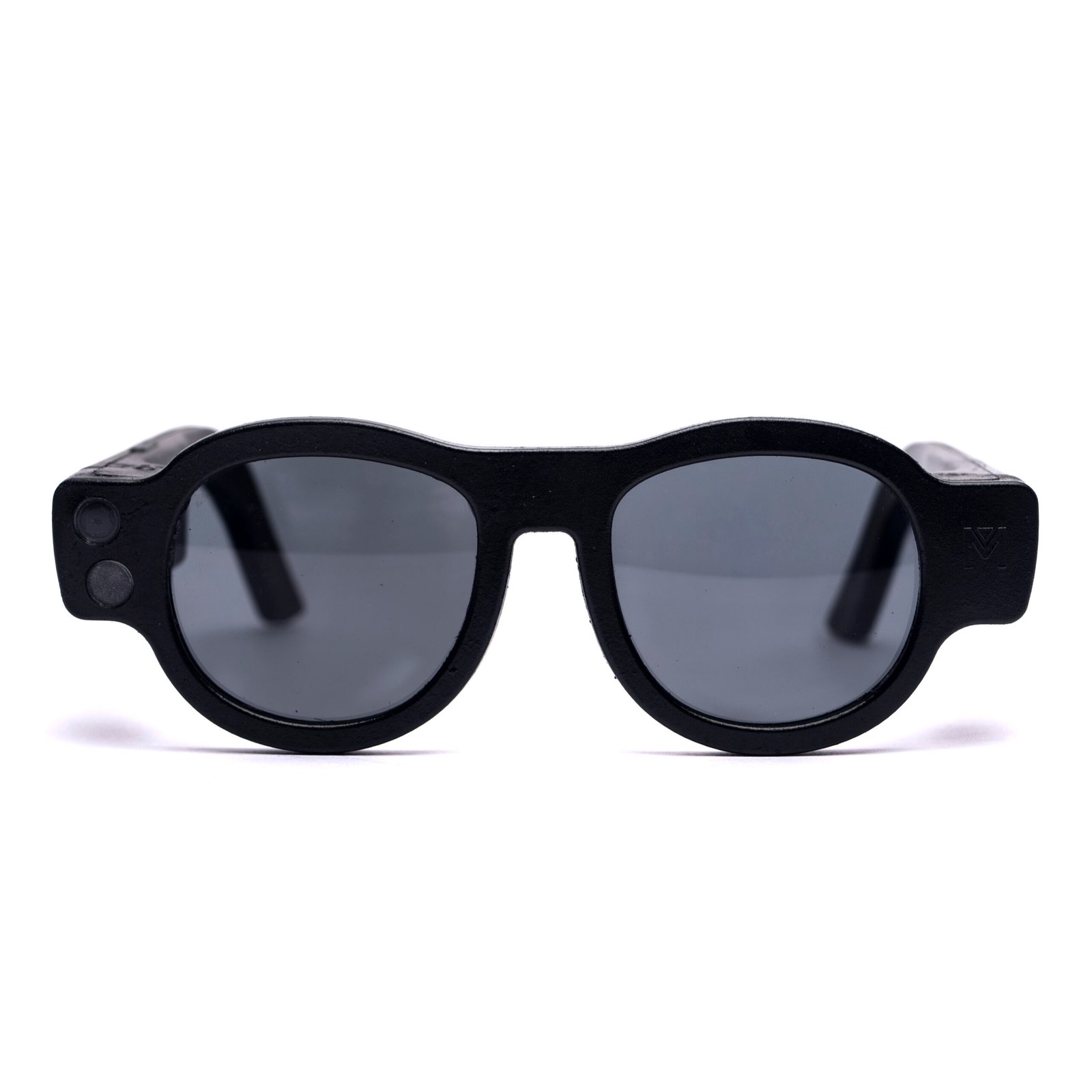
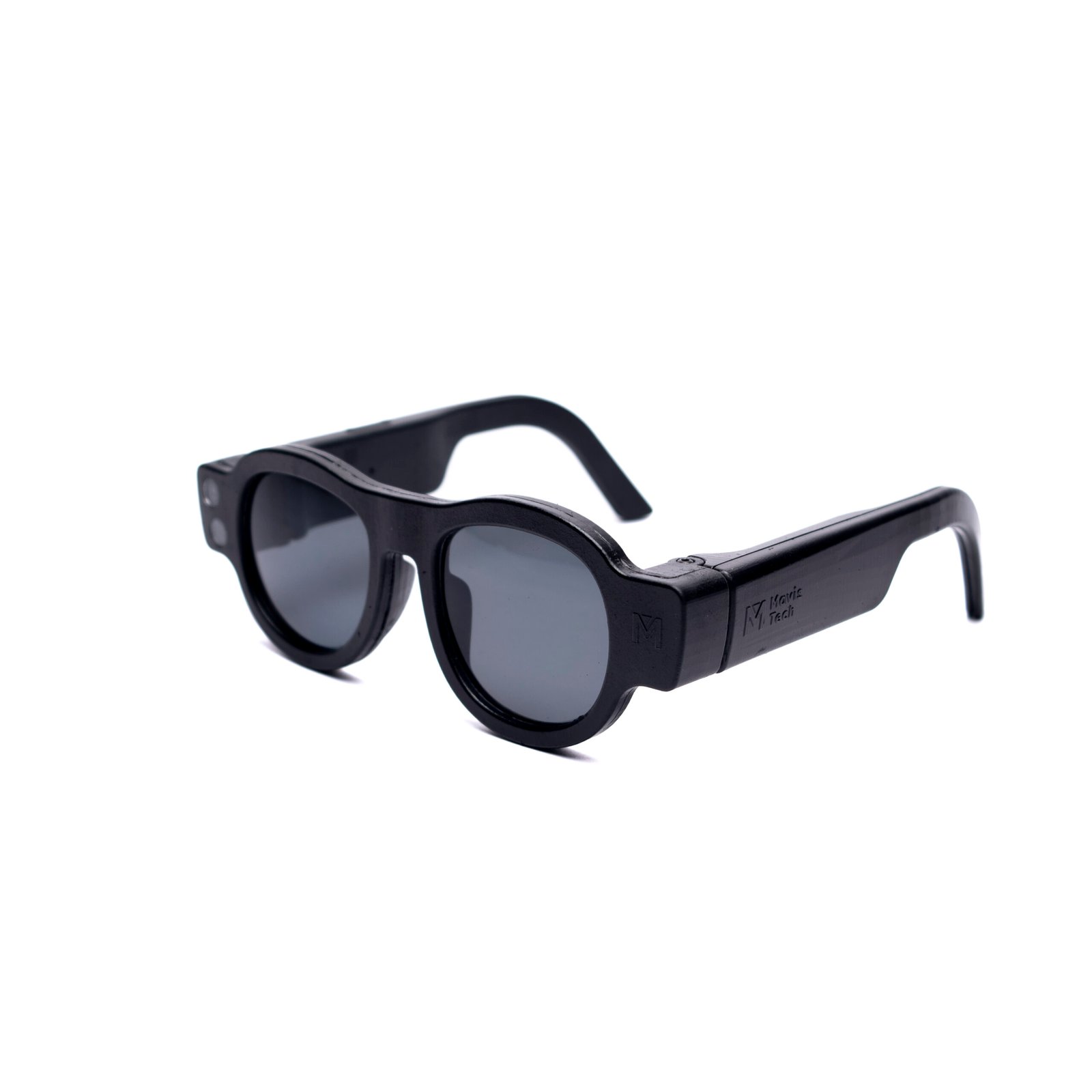
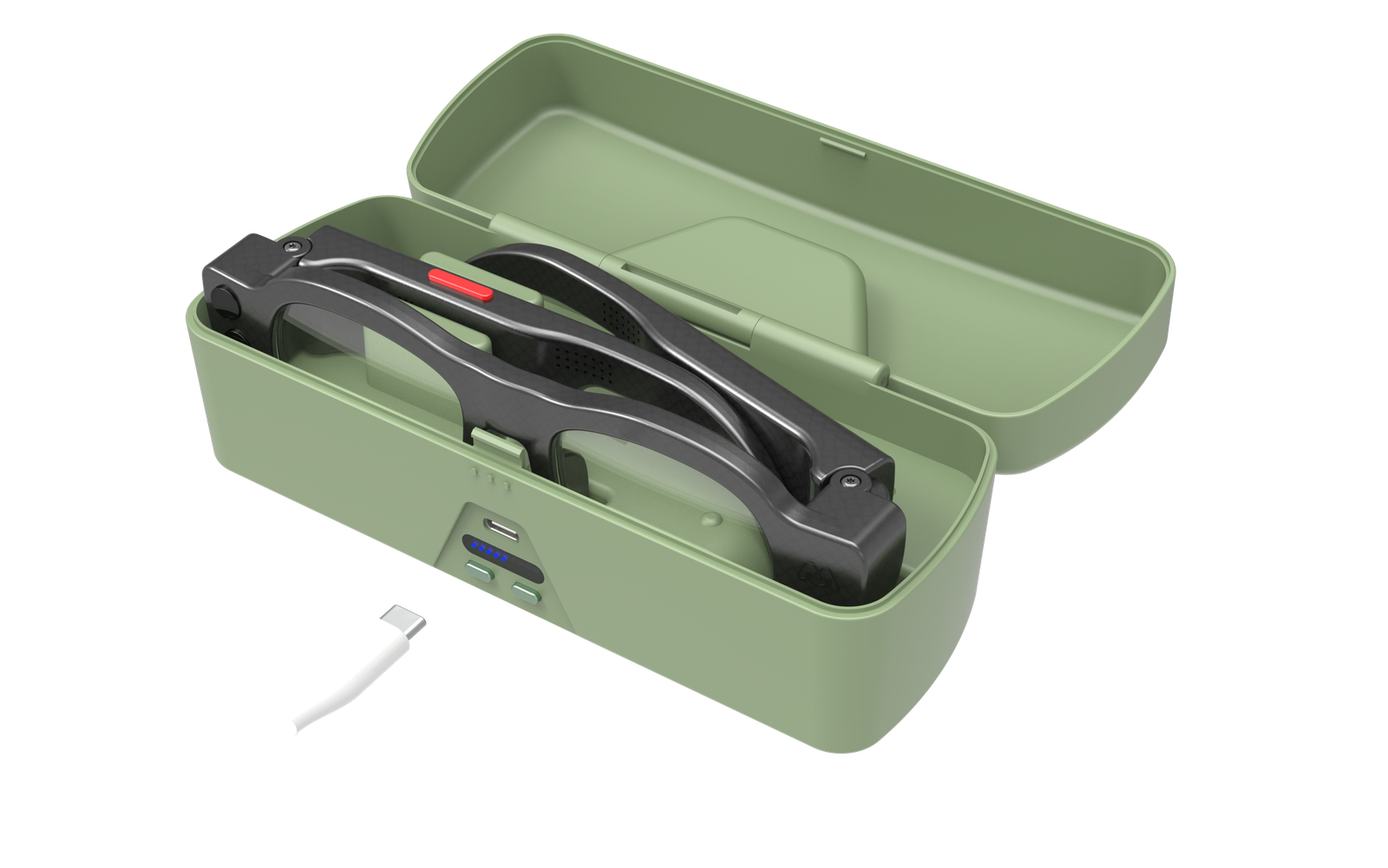
The Mavis Itero Study Edition Bundle includes the Itero Smart Glasses and a combined connectivity and charging case. Together they form a system designed to do one thing well: recognise the text a student is looking at and read it aloud, whether that is a printed handout, a textbook, a whiteboard, a projected slide or a screen.
The Study Edition runs a dedicated firmware build on the same hardware as the consumer Itero. Every function identified as falling outside the scope of DSA has been removed, so that the device meets a study need and nothing else. The system works without a smartphone: internet connectivity, where required, is provided by the included case.
Who the Study Edition Is For
The Study Edition is intended for students who are blind or partially sighted and who cannot read printed or projected material without conversion. Institutional support typically converts material that is requested in advance and supplied to the provider; the Study Edition addresses the material that is not — handouts distributed in a seminar, notes written on a board during a lecture, labels and instructions in a laboratory or studio, and reference material found on the day.
What’s Included
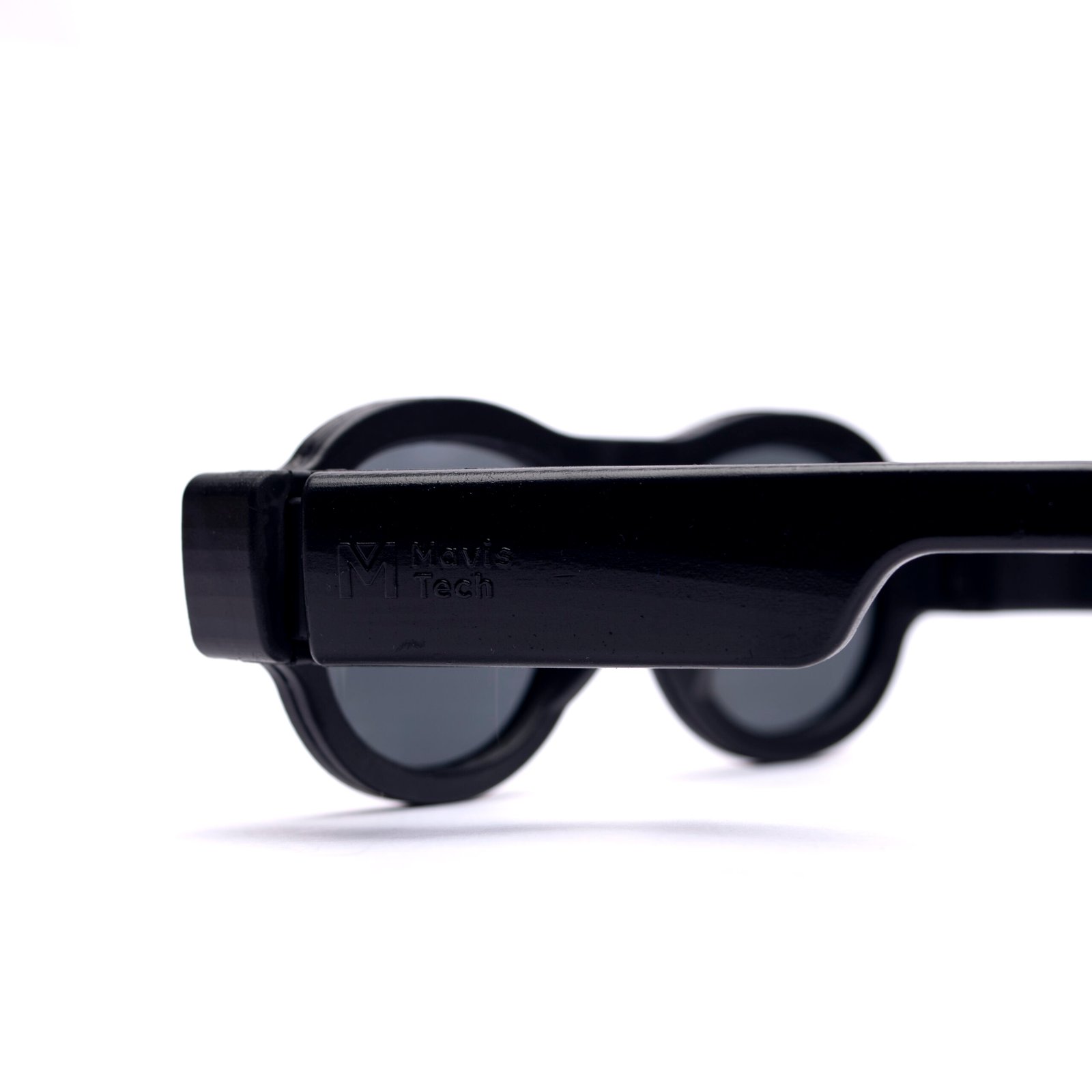
1. Mavis Itero Smart Glasses (Study Edition firmware)
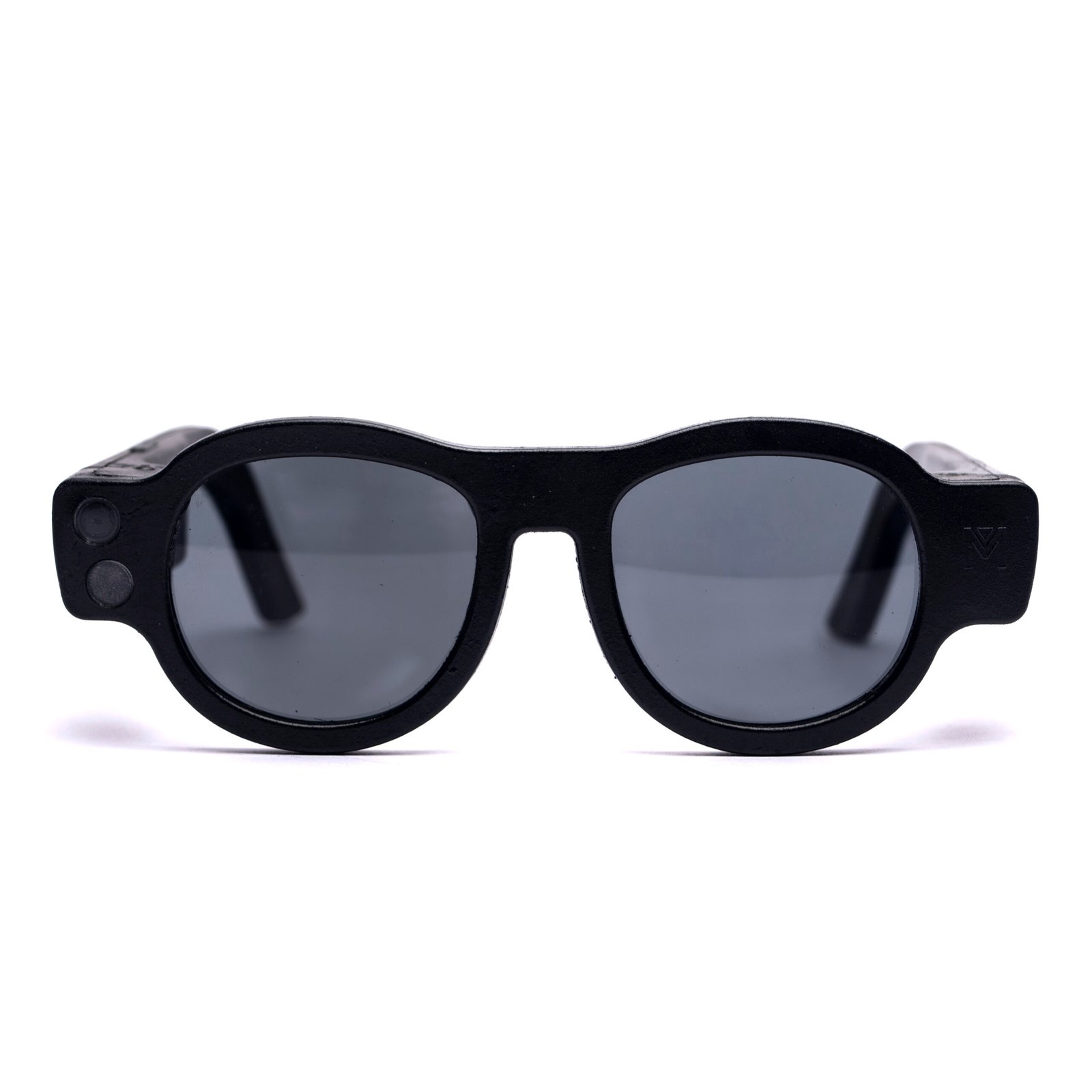
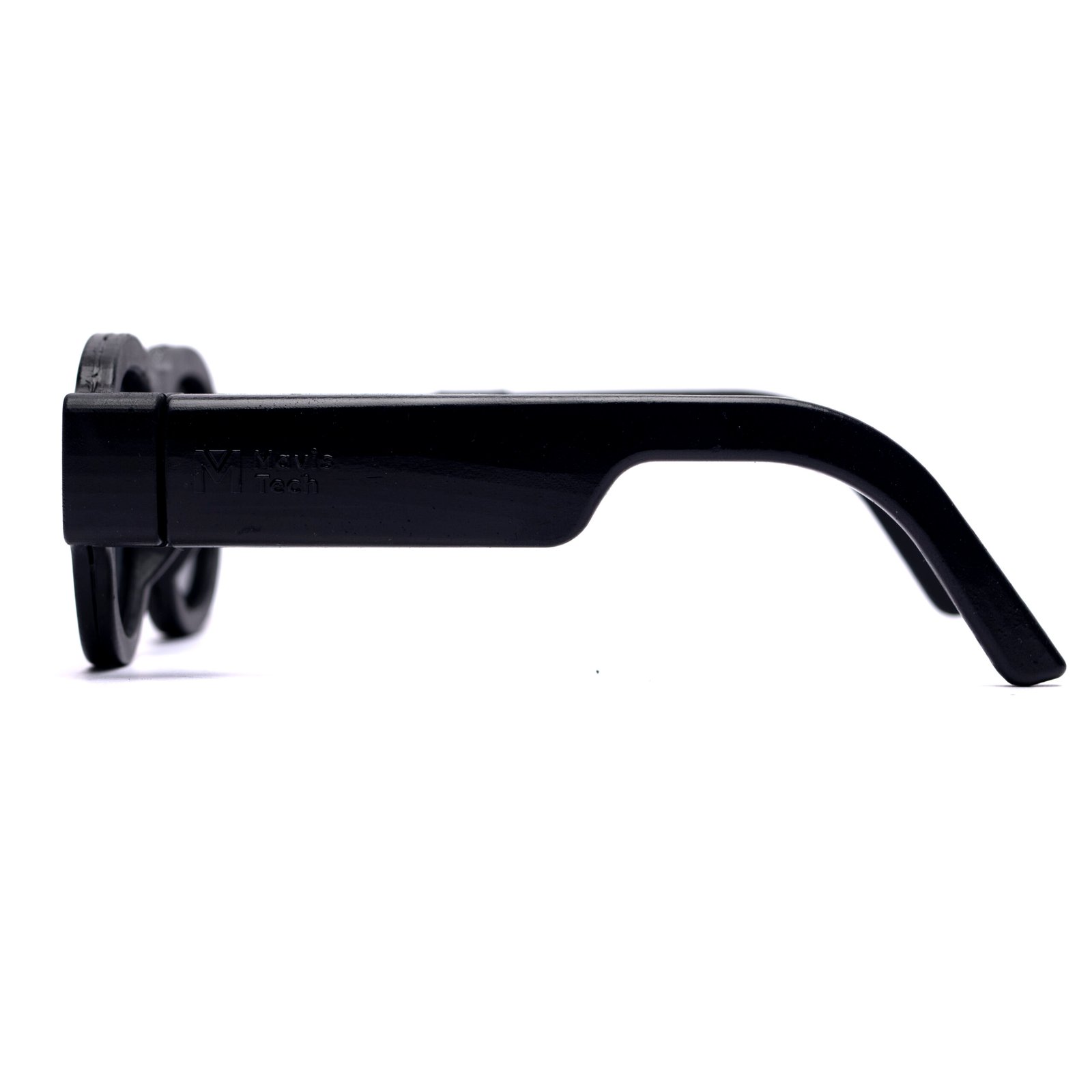
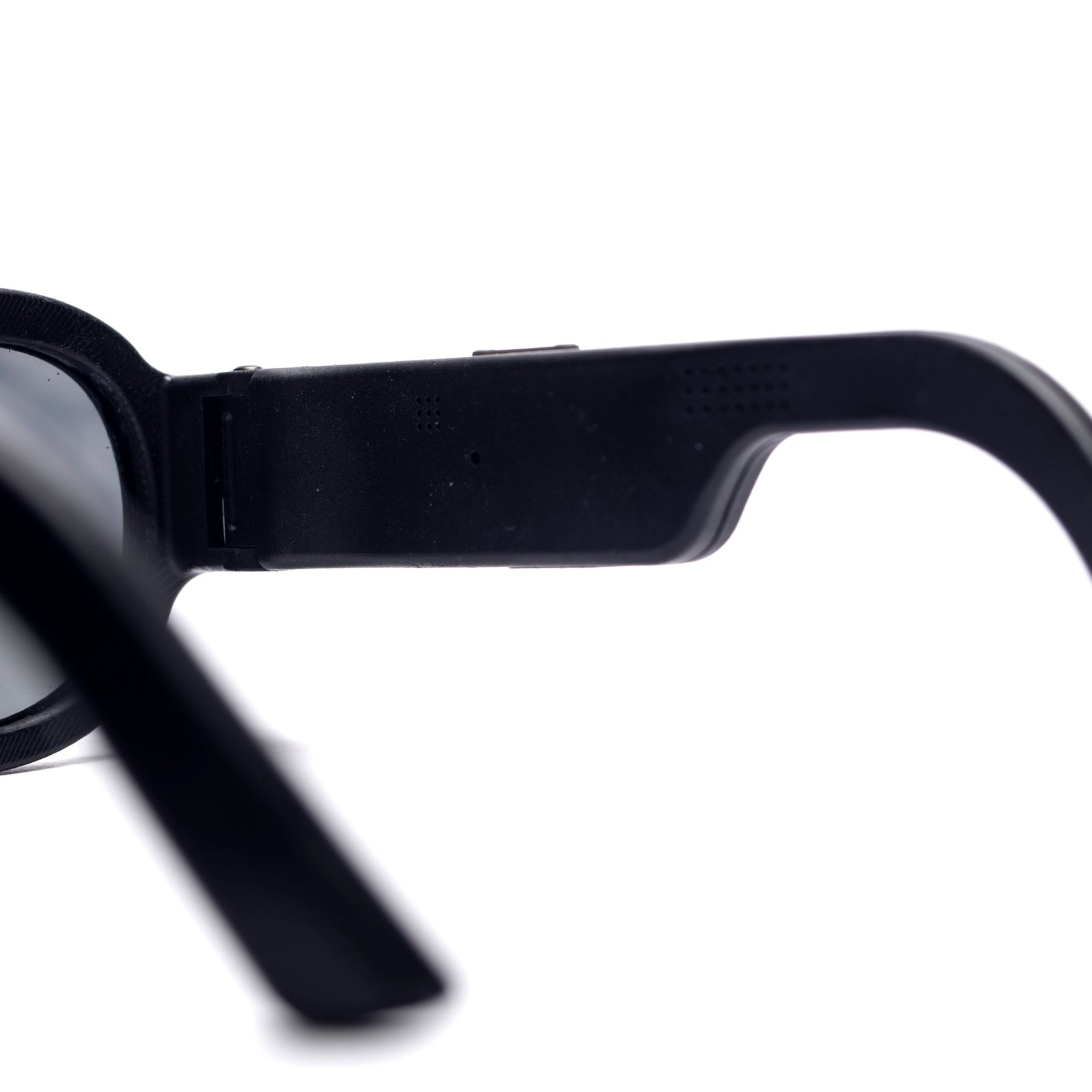
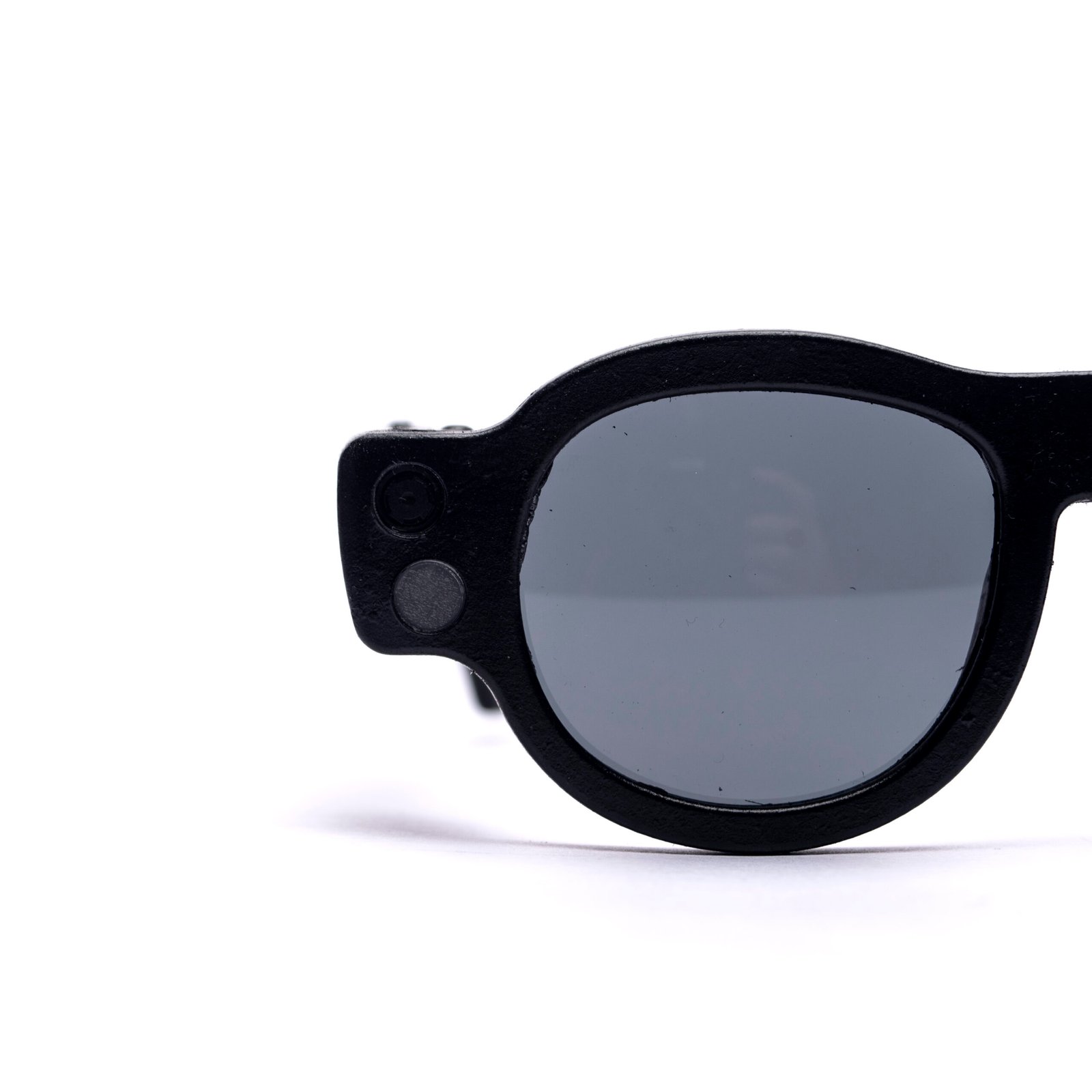
A wearable device, worn as ordinary spectacles and fitted with the student’s own prescription lenses, that uses its camera and audio feedback to recognise text and read it aloud. Weight: 57 grams.
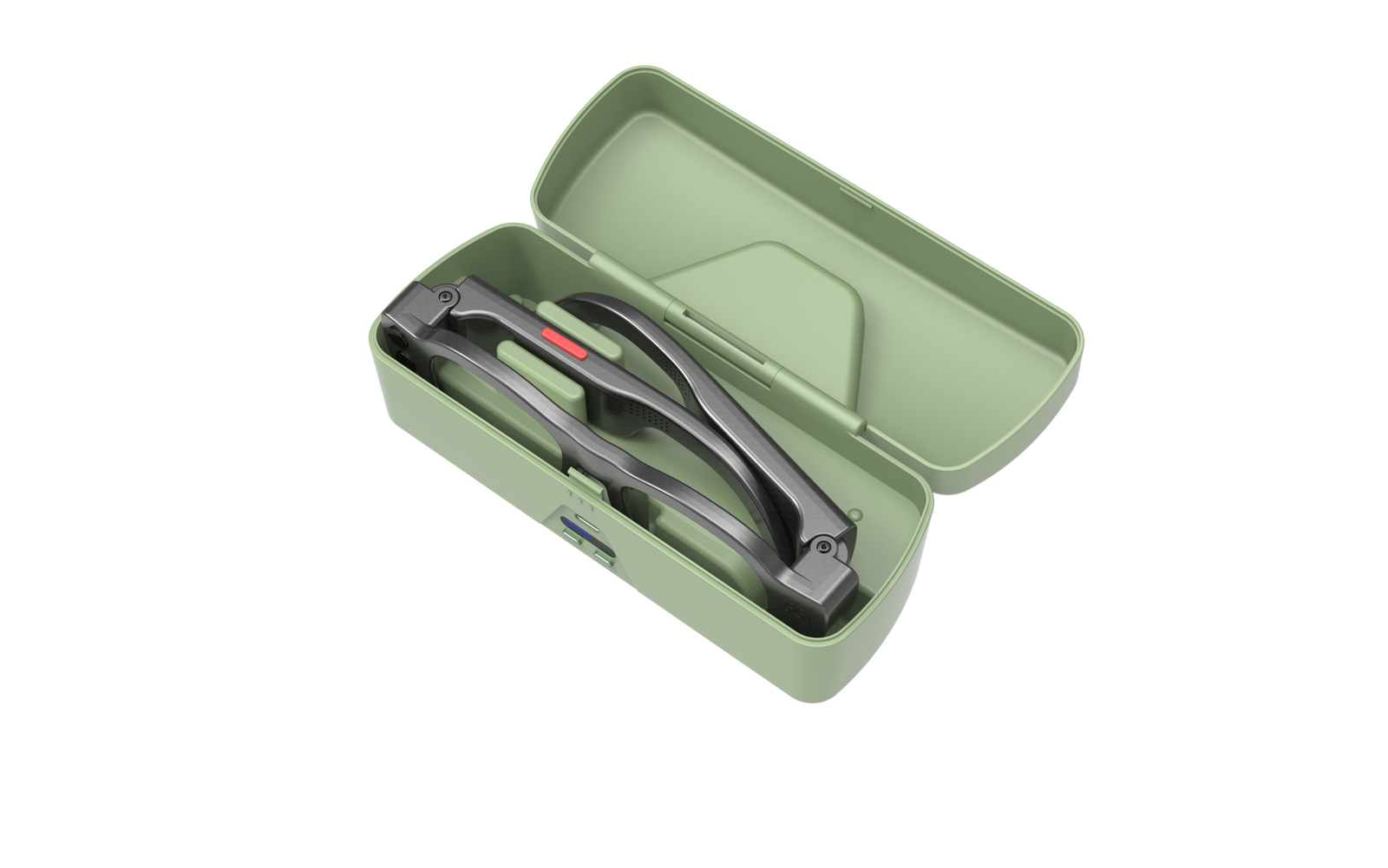
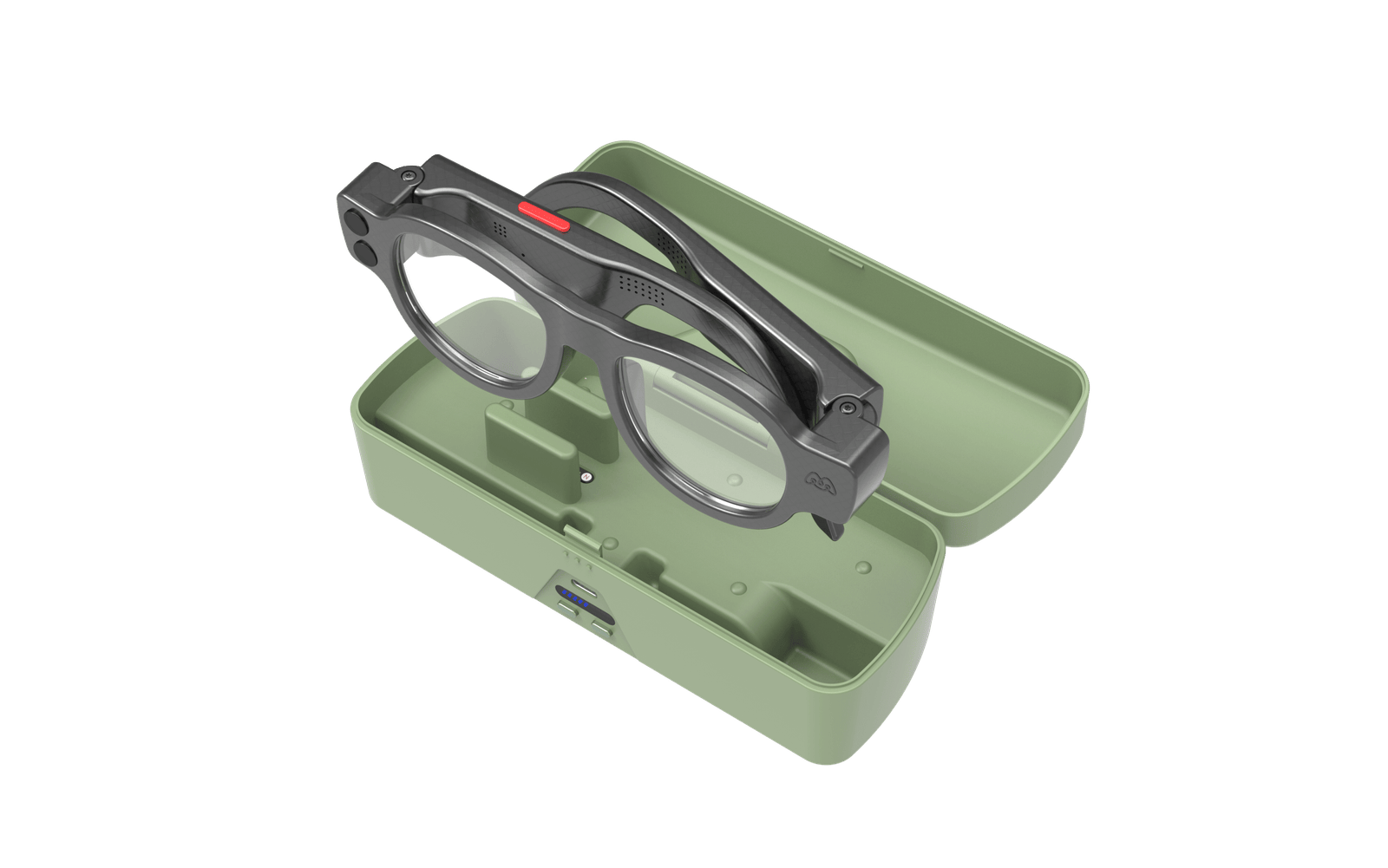
2. Connectivity and Charging Case
A portable case that provides mobile internet (LTE) for the glasses and charges them via a magnetic connection. It carries enough charge for a further three to four full recharges and protects the glasses when not in use. The device does not depend on the student’s mobile phone, on institutional Wi-Fi, or on any personal account for network access.
3. Training and Support
Every device is supplied with one-to-one remote familiarisation training and twelve months of inclusive repair cover, with UK-based telephone and email support from our Northampton office.
Connectivity and Ongoing Service
The Study Edition connects to the internet through the included case, which carries its own LTE connection. Ongoing service includes:
- Mobile internet access for text recognition and text-to-speech
- Software updates delivered over the air on a dedicated Study Edition release channel, so that no update can reinstate a removed function on a DSA-funded device
- Hardware maintenance and repair support (subject to terms)
- UK-based telephone and email support
Key Features of the Study Edition Smart Glasses
- Text Recognition and Read-Aloud: Recognises printed and on-screen text in real time — handouts, textbooks, whiteboards, projected slides and screens — and reads it aloud. Accuracy may vary depending on lighting and text clarity.
- Follow-Up Questions About the Text: After a passage has been captured, the student can ask for a summary, or ask the device to locate a specific point within a long document. Questions are limited to the text just captured.
- Save and Export as Accessible Text: Recognised text can be saved and exported as accessible text to the student’s own device for revision and screen-reader use. This function is disabled in invigilation mode.
- One-Touch and Hands-Free Activation: The quick-action button and the configurable gesture control are both assigned to text recognition, so a reading can be started without lifting the hands from a keyboard, braille display or pen.
- Adjustable Reading Pace and Volume: Reading speed and volume can be set to suit the student and the setting.
- Low-Light Camera Adaptation: The camera adapts to poorly lit teaching spaces to maintain reading accuracy. Effectiveness depends on surroundings.
- Private Listening: Built-in speaker, plus a 3.5 mm headphone socket for a wired earphone — for private listening in lecture theatres, silent study spaces and examination rooms.
- Prescription Lenses: Fitted to the student’s own prescription, so the device replaces rather than competes with the glasses they already wear.
- Screen-Reader-Compatible Setup: Reading pace and other settings are configured through the Mavis management portal, which is compatible with screen readers, so a blind student can set the device up unaided.
- Battery Performance: Approximately five hours of continuous use per charge. With the case’s three to four additional recharges, this provides in the order of twenty hours of reading between mains charges — a full timetabled day with margin to spare. Actual performance may vary based on usage.
Invigilation / Examination Mode
The Study Edition includes an invigilation mode for use under examination conditions. Because the device’s connection is controlled in firmware, invigilation mode is a permission list rather than a simple radio switch. In this mode the device is permitted to do one thing: recognise and read aloud the material physically placed in front of the student.
- The voice assistant, internet search, email and communications are disabled
- Saving and export of recognised text is disabled
- No session is logged
Mavis is happy to specify the exact behaviour of invigilation mode with an awarding institution or examinations office so that it meets sector expectations from the outset.
Key Features of the Connectivity and Charging Case
- Charging Function: Charges the glasses using a magnetic connection and holds enough charge for a further three to four full recharges.
- Mobile Internet Connectivity (LTE): Provides data connectivity for text recognition and text-to-speech, independent of the student’s phone or institutional Wi-Fi. Network availability may affect performance.
- Portable Design: Designed to store and protect the glasses during everyday use on campus.
What the Study Edition Does Not Do
The Study Edition is a restricted configuration of the Mavis Itero. The following functions of the consumer product are removed in their entirety and cannot be enabled on a DSA-supplied device:
| Function | Consumer Itero | Itero Study Edition (DSA) |
|---|---|---|
| Text recognition and text-to-speech | Yes | Yes — retained |
| Follow-up questions about the text just captured | Yes | Yes — retained |
| Saving and export of recognised text | Yes | Yes in study use; disabled in invigilation mode |
| Configurable gesture activation | Yes | Yes — assigned to text recognition |
| Adjustable reading pace and volume | Yes | Yes — retained |
| Low-light camera adaptation | Yes | Yes — retained |
| Prescription lenses | Yes | Yes — retained |
| Invigilation / examination mode | Not applicable | Yes — added |
| Scene and object description | Yes | Removed |
| Barcode and product recognition | Yes | Removed |
| Facial recognition | Yes | Removed |
| Obstacle detection | Yes | Removed |
| GPS navigation and saved points of interest | Yes | Removed |
| Bus and train information | Yes | Removed |
| General internet search via the voice assistant | Yes | Removed |
How to Get the Itero Study Edition Through DSA
Disabled Students’ Allowance (DSA) is a non-repayable grant from Student Finance England that covers the extra study-related costs a student has because of a disability. It is paid in addition to any other student finance and does not depend on household income. The Itero Study Edition is on the SFE catalogue and can be recommended by a DSA Needs Assessor. The process, in order, is:
- Apply for DSA. If you are applying for student finance, sign in to your student finance account and select DSA from your to-do list. If you are not applying for student finance, or are on a part-time or postgraduate course, complete a DSA1 form. You can apply before you have a confirmed place, and it is worth applying as early as possible: SLC aims to tell you within four weeks whether you are eligible, and full support can take up to 14 weeks to put in place. Full details are on GOV.UK.
- Provide evidence of your disability. You will need to send evidence of your sight condition — for example, a letter from your ophthalmologist, consultant or GP, or a Certificate of Vision Impairment (CVI). A Disability Evidence Form completed by a medical professional is also accepted.
- Book your Needs Assessment. Once SFE confirms you are eligible, it will tell you which of its assistive technology suppliers — Capita or Study Tech — will carry out your Needs Assessment. The assessment is free to you and can be in person or by video call. It is a conversation about your course, how you study and where you have difficulty accessing material, not a test.
- Discuss the Itero Study Edition with your assessor. The Needs Assessor decides what to recommend, so tell them how you currently access printed handouts, textbooks, whiteboards, projected slides and on-screen text, and where that breaks down — in seminars, labs, libraries or examinations. If they agree the Study Edition meets that need, they will include it in your Needs Assessment Report, which goes to SFE and to you. You are welcome to ask us for a demonstration or a fact sheet to share with your assessor before the appointment.
- SFE approval. SFE reviews the report and confirms what it will fund in a letter known as the DSA2. SFE must be satisfied in each case that the equipment meets an essential study need, so approval of the product on the catalogue does not by itself guarantee funding for every student.
- Delivery, fitting and training. Your supplier will contact you to arrange delivery. Because the Study Edition is fitted with your own prescription lenses, we will ask for a copy of your current prescription at this point. Every device comes with one-to-one remote familiarisation training from Mavis, and ongoing UK-based support from our Northampton office.
Already a student and already have DSA? You can ask SFE for a review of your needs at any point during your course if your circumstances or your course requirements change. Contact your university disability service or your original assessment centre to request this.
Students in Wales, Scotland and Northern Ireland: DSA is administered separately by Student Finance Wales, SAAS and Student Finance NI, and the process and approved product lists differ. Please contact us and we will help you and your assessor with the information they need.
For Needs Assessors and suppliers: The Itero Study Edition is listed on the SFE catalogue as Mavis’ sole DSA offering. For an assessor fact sheet, the functional specification of the Study Edition build, the data-processing statement or a demonstration unit, contact us at info@mavistech.uk or 01604 312731.
Training, Support and Warranty
- Training: One-to-one remote familiarisation training is included with every device.
- Support: UK-based telephone and email support from our Northampton office: support@mavistech.uk, +44 1604 312731.
- Warranty: Twelve months of inclusive repair cover, with extended cover available thereafter. Full terms accompany every DSA quotation.
Data Protection
Mavis Technologies Ltd (company number 15107830) is the data controller and is registered with the Information Commissioner’s Office under registration number 00010194170. We maintain a published privacy policy and a documented UK GDPR governance framework. A device-specific data-processing statement for the Study Edition — covering what the device captures, where it is processed and how long it is retained — together with security documentation for institutional IT review, is available on request.
Certifications and Manufacturing
The product is designed to meet relevant safety and performance standards, including:
- Electromagnetic compatibility (EMC)
- Wireless connectivity standards (Wi-Fi and LTE where applicable)
- Battery safety standards (including UN38.3 and IEC 62133)
- CE and RoHS compliance
Design and Assembly: Designed, engineered and manufactured in-house in Northampton, United Kingdom.
Materials: Some components are made using recycled plastics.
Important Information
- This product is an assistive device and is not a medical device.
- The Study Edition is a reading device. It does not provide navigation, obstacle detection or scene description, and is not intended to support mobility.
- It is intended to support, not replace, institutional accessibility provision or professional judgement.
- Performance may vary depending on lighting, connectivity and text clarity.
- The Study Edition is supplied only against an approved DSA order. Units are held on a separate Study Edition release channel; removed functions cannot be reinstated by software update.